遊戲操作區
遊戲介紹
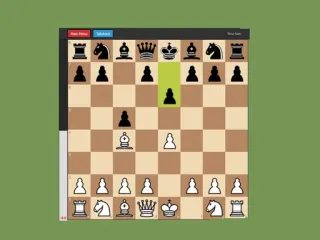
和實力堅強的 AI 引擎下西洋棋吧!你可以選擇執白棋或黑棋,即時查看局面評估,還能用「悔棋」功能退回上一步。介面簡潔、節奏流暢,各種棋力的玩家都能輕鬆上手。
Play Chess against a powerful AI engine. Choose to play as White or Black, get real-time position evaluation, and use the Take back feature to undo moves. A clean, fast chess experience for all skill levels.
遊戲說明
官方遊戲說明
點選一枚棋子來選取它,再點擊要移動到的格子即可走棋。合法的走法會自動以亮顯標示。想退回上一步,按「悔棋」按鈕即可。左側的評估條會顯示目前哪一方佔上風。
Click a piece to select it then click the destination square to move Legal moves are highlighted automatically Use the Take back button to undo your last move The eval bar on the left shows who is winning
操作方式
橫向畫面,建議以滑鼠或觸控板操作,點擊遊戲區域即可開始。
遊戲玩法
詳細玩法請參考上方「遊戲介紹」文字說明與遊戲畫面中的教學提示。
小提醒
可全螢幕遊玩;若畫面無法載入,請點「重新載入」重啟。


